Seedream 4.5: Native 4K at a Flat Price
ByteDance's Seedream 4.5 generates native 4K, accepts up to 14 reference images, and charges the same whatever size you ask for. Here is where that combination pays off.
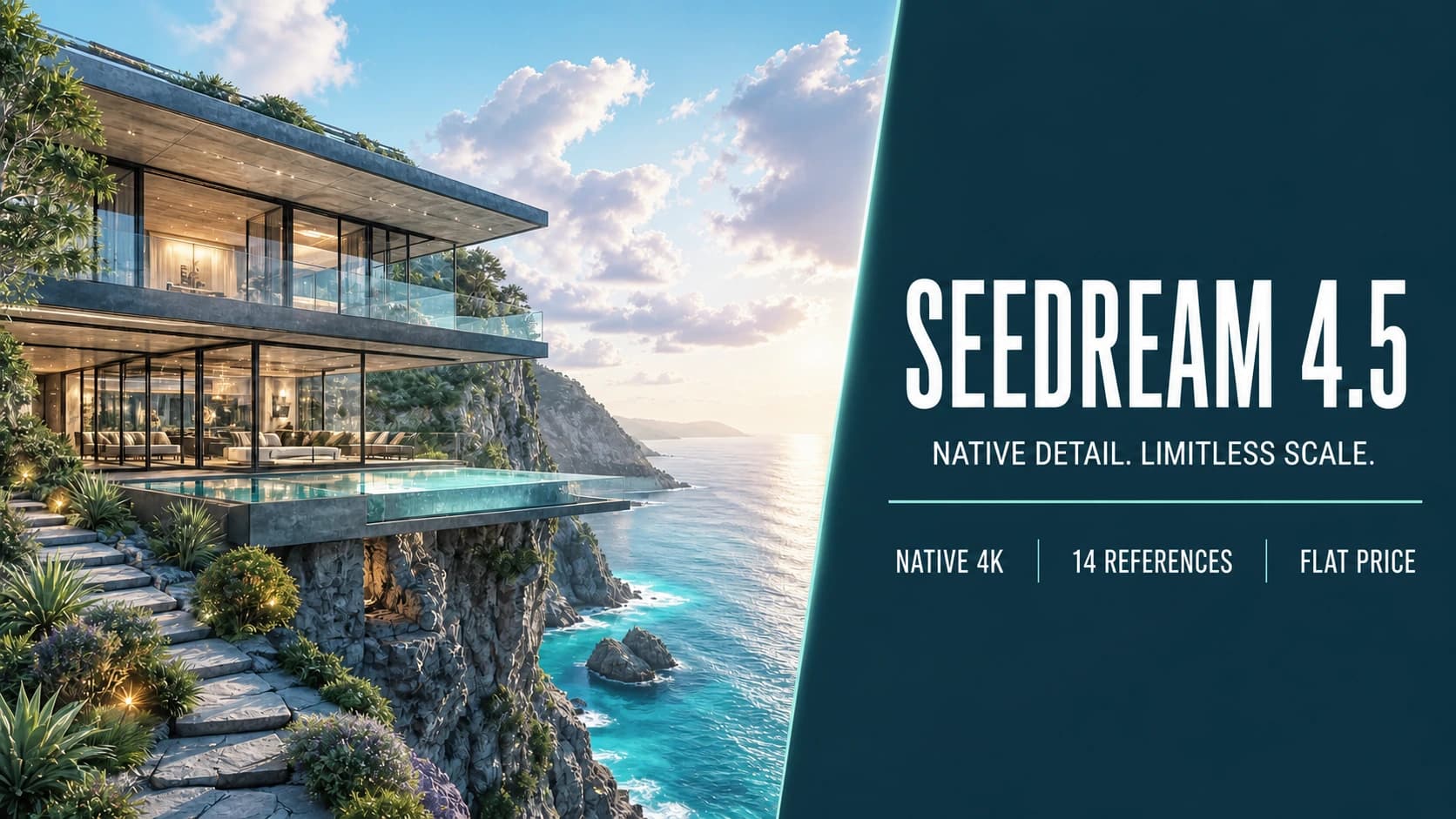
Almost every image model charges more for a bigger picture. Seedream 4.5 does not, and that one pricing decision changes how you use it.
ByteDance released Seedream 4.5 through Volcano Engine in early December 2025 — reported launch dates vary across sources by a couple of weeks, which is worth knowing if you are citing it. It generates native 4K, edits from up to 14 reference images, and lists at a flat $0.04 per image regardless of output size.
TL;DR
- Native 4K output, not an upscale of a smaller render.
- Up to 14 reference images in a single request.
- Flat $0.04 per image at list price, independent of resolution.
- ByteDance reports roughly 94% accuracy on complex typography — strong, though not the category leader for text.
- The 4.5 release focused on editing consistency: holding subject detail, lighting, and colour steady when you change one thing.
Flat pricing is the interesting part
Most providers make resolution the expensive axis. That pushes you into a particular workflow: draft small, upscale the winner, pay the premium once.
A flat rate removes that step. If a 4K frame costs the same as a 1K frame, there is no reason to draft small — you generate at delivery resolution from the first attempt and skip the "now render it properly" round entirely.
This matters most when the final asset was always going to be large: print, large-format display, hero imagery, or anything a client will open at 100% and inspect. In those workflows the usual two-pass approach exists purely to manage cost, and removing the cost removes the pass.
Two caveats. Third-party providers do not always honour a flat rate, and volume plans shift the numbers again — ByteDance publishes savings plans with substantial discounts at scale. And FrameTide bills in platform credits rather than passing through a provider invoice, so what you see on the generate button follows our pricing, not this one.
Fourteen reference images
The reference limit is high, and high limits change what you can ask for. With one reference you are correcting an image. With a dozen you are describing a world: this character, this palette, this lighting, this set of props, this camera language.
That makes Seedream 4.5 a reasonable fit for jobs built around consistency across a set — catalogue photography where every item shares a lighting setup, campaign variants that must feel like one shoot, a series of frames that need the same character in different scenes.
Note that the number is an input ceiling, not a promise. Feeding fourteen references does not guarantee the model honours all fourteen. Consistency at that scale is exactly the thing to test before you commit a production series to it.
What 4.5 actually improved
ByteDance frames the 4.5 release around editing consistency rather than raw generation quality, and the specific claims are worth separating:
- better preservation of subject detail when you edit one element;
- lighting and colour tone held steady across an edit;
- refined portrait handling;
- stronger multi-image composition;
- improved text rendering.
"Preservation" is the operative word. The failure mode of reference editing is not that the model ignores you — it is that you ask to change the sky and it quietly also changes the model's face, the colour grade, and the lens. Whether 4.5 has fixed that for your material is a five-minute test, and a much better use of your time than reading anyone's benchmark table.
Text: good, not best
The reported ~94% accuracy on complex typography puts Seedream 4.5 firmly in the usable range — signage, short headlines, and product labels are realistic asks.
But if text accuracy is the deciding factor for your work, GPT Image 2 currently reports roughly 99% character-level accuracy and is the stronger choice. The gap between 94% and 99% sounds small until you translate it: on a dense ingredient panel, one is an occasional typo and the other is a rewrite.
Pick Seedream for resolution, reference count, and consistency. Pick GPT Image 2 when the words are the deliverable.
Where it fits against the others
- vs GPT Image 2: Seedream wins on flat-rate 4K and reference count; GPT Image 2 wins clearly on text.
- vs Nano Banana Pro: Pro brings Search grounding and a planning pass before it renders, which helps on infographics and reasoning-heavy layouts. Seedream competes on straight 4K production cost.
- vs Nano Banana 2: closer call. Nano Banana 2 scales price with resolution, so the comparison depends almost entirely on whether you actually need 4K.
How to evaluate it
- Generate the same prompt at 1K and 4K and compare them at 100%. Confirm the 4K is genuinely resolved detail, not a soft upscale.
- Run a real edit: change one element of a photograph and check what else moved. Grade the unchanged parts, not the changed one.
- Push the reference count. Try three, then eight, then fourteen, and find where consistency starts to slip.
- Test typography at the smallest size you actually ship.
- Price a realistic week of work under both flat-rate and per-resolution billing before deciding it is cheaper.
The short version
Seedream 4.5 is a production model rather than an exploration model. Its advantages — flat-rate 4K, a high reference ceiling, editing that leaves the rest of the frame alone — all pay off at the end of a project, when you know what you want and need to produce a lot of it at delivery quality.
If you are still deciding what the image should be, cheaper and faster models are the better place to spend that time.
Sources
Create with Seedream 4.5
Open the FrameTide Image workspace with Seedream 4.5 already selected, and try it on your own prompts.