Which Nano Banana Model Should You Use?
Google now ships three Nano Banana image models at roughly 7x the price spread. Pro, 2, and 2 Lite differ in resolution, grounding, and speed — here is how to pick without guessing.
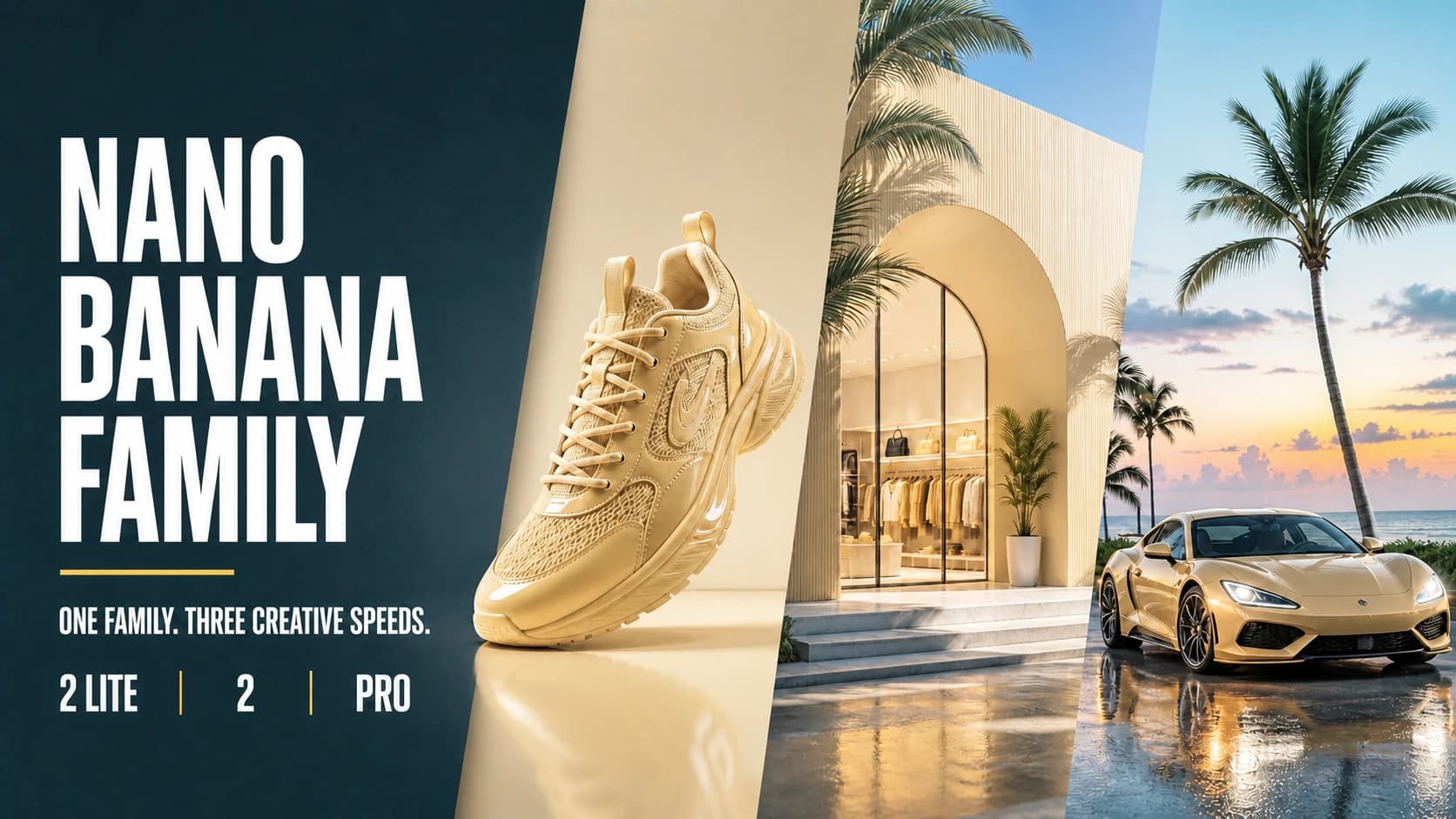
Google's image lineup used to be one model. It is now three, spread across roughly a 7x price range, and picking the wrong one is an easy way to either overpay for drafts or ship something that will not hold up at full size.
The good news is that the three are separated along clear axes. Once you know which axis your work sits on, the choice makes itself.
The lineup
| Nano Banana 2 Lite | Nano Banana 2 | Nano Banana Pro | |
|---|---|---|---|
| API model | gemini-3.1-flash-lite-image | gemini-3.1-flash-image | gemini-3-pro-image |
| Released | June 30, 2026 | February 26, 2026 | November 20, 2025 |
| Max output | 1K | 4K | 4K |
| Typical speed | ~4s | ~4–8s at 1K/2K | slowest; plans before rendering |
| Search grounding | No | Yes | Yes |
| List price (1K) | ~$0.034 | ~$0.067 | ~$0.134 |
| List price (4K) | — | ~$0.151 | ~$0.24 |
Prices are Google's standard published rates per output image; batch and flex tiers run roughly half. The original Nano Banana (gemini-2.5-flash-image) is now legacy, and Google points migrations at 2 Lite.
The three axes that actually decide it
Resolution. 2 Lite caps at 1K. That is not a soft limit you can push — if the deliverable is print, large display, or anything a client will inspect at 100%, Lite is out of the running before any other consideration.
Grounding. Pro and 2 can pull real information through Google Search while generating. Lite cannot. This matters far more than it sounds for a specific genre: anything where the image contains facts. A chart with real figures, a diagram of a real process, a graphic referencing a real event. Without grounding the model is confidently inventing, and confident invention in an infographic is worse than a blank page.
Thinking. Pro plans a composition before it renders it — Google calls this Thinking mode. It is why Pro is the family's pick for infographics, diagrams, storyboards, and layouts where elements have to relate to each other correctly. It is also why Pro is the slowest.
Everything else — reference-image handling, aspect ratios, watermarking — is broadly similar across the three.
How to pick
Use 2 Lite when the next draft matters more than the last one. Concept exploration, ad variants, A/B tests, thumbnails, reference frames feeding an image-to-video job. At about 3 cents and four seconds, the cost of a wrong idea approaches zero, and that is the whole point. Just do not plan to deliver from it.
Use Nano Banana 2 as the default. It reaches 4K, it has grounding, and it costs half of Pro. For most production work that is not layout-critical, the extra spend on Pro buys planning you did not need.
Use Pro when elements have to relate correctly. Infographics, diagrams, UI mockups, storyboards, multi-element composition, and anything where a factual detail has to be right. You are paying for the planning pass and the grounding, so use it on work that needs them.
A workflow that uses all three
The tiers are more useful in sequence than in isolation:
- Explore on 2 Lite. Twenty cheap drafts to find the direction. Most will be wrong; that is fine at three cents.
- Develop on Nano Banana 2. Take the two or three that survived and push them at 2K with grounding on.
- Finish on Pro — but only if the piece needs planning or verified facts. Plenty of images do not, and a Pro render of a simple portrait is money spent on a capability you never invoked.
The mistake worth avoiding is picking one tier for everything. Drafting on Pro burns roughly 7x the budget for output you were going to throw away; delivering from Lite means finding out about the 1K ceiling after you have shown it to someone.
Where the family loses
Being three tiers of one family means they share a family's weaknesses. Across the range, the recurring complaints are small-text accuracy and character consistency when the scene changes substantially. Lite is the weakest on both, but neither is fully solved higher up.
If text inside the image is the deliverable, GPT Image 2 currently reports roughly 99% character-level accuracy and is the stronger tool. If you need flat-rate 4K at volume, Seedream 4.5 prices the same whatever size you ask for. Nano Banana's advantage is grounding and planning, not typography or per-pixel cost.
Testing it on your own work
Vendor tiering describes intent, not your results. Two tests settle it quickly:
- Run one real prompt through all three at the resolution you would actually ship, and review the outputs without knowing which is which. If you cannot reliably pick Pro out of the lineup for your kind of work, you have your answer and your budget back.
- Test grounding directly. Ask for an image containing a fact that changed recently. Compare 2 Lite against Pro. This is the clearest demonstration of what the higher tiers are for.
The short version
Lite is for volume, 2 is the default, Pro is for images that have to be correct rather than merely good. Most teams overspend by treating the top tier as the safe choice — it is the safe choice only for the work that needs planning and grounding, and expensive insurance for everything else.
Sources
Create with Nano Banana Pro
Open the FrameTide Image workspace with Nano Banana Pro already selected, and try it on your own prompts.