GPT Image 2: What It Is Actually Good At
OpenAI's GPT Image 2 renders text better than anything else in general use. Here is what it costs, where it wins, where it still loses, and when to reach for something else.
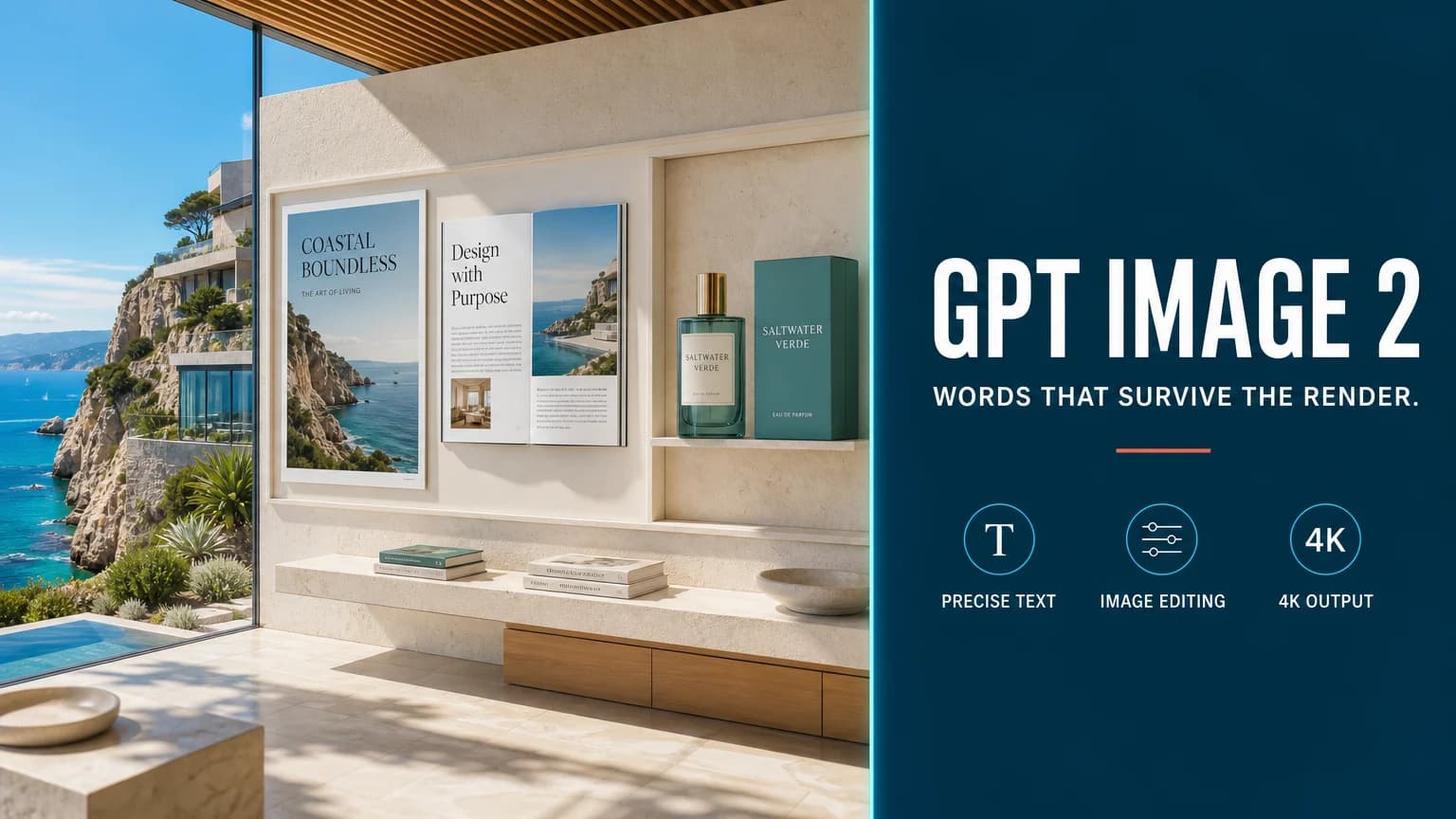
Most image models can draw a poster. Very few can draw a poster you can actually read. That gap is the reason GPT Image 2 exists, and it is the honest way to decide whether you need it.
OpenAI shipped GPT Image 2 in ChatGPT on April 21, 2026, and opened the gpt-image-2 API to developers in early May. It generates from text, edits from a reference, and outputs up to 4K.
TL;DR
- Text rendering is the headline. OpenAI reports roughly 99% character-level accuracy across Latin, CJK, Hindi, and Bengali scripts.
- Output goes up to 4K — 3840×2160 landscape or 2160×3840 portrait.
- Expect roughly $0.03 / $0.05 / $0.06 per image at 1K / 2K / 4K through providers that bill per image. OpenAI's own rate is token-based: about $8 per million image-input tokens and $30 per million image-output tokens.
- It is not the best model at everything. Spatial reasoning, portrait realism, and consistency across many reference images are all places where competitors trade blows with it or win.
- Reach for it when words are part of the picture. Reach for something else when the picture is mostly about physics, faces, or holding one character steady across a series.
The thing it does that others do not
Text inside generated images used to be a running joke. Signage came out as plausible-looking gibberish, product packaging carried invented words, and anything smaller than a headline dissolved into texture.
GPT Image 2 largely closes that gap. OpenAI's claim of about 99% character-level accuracy covers not just English but CJK, Hindi, and Bengali — which matters more than it sounds, because non-Latin scripts have historically been where image models fell apart fastest.
In practice this changes which jobs you can hand to a model at all:
- posters and event graphics with real dates, venues, and names;
- product packaging mockups with legible ingredient panels;
- menus, price lists, and signage;
- UI mockups where the labels have to say the right words;
- infographics and slides where a wrong digit is a wrong answer, not a stylistic quirk.
None of this was reliably possible a year ago. It is the single clearest reason to pick this model.
Resolution and formats
GPT Image 2 outputs at 1K, 2K, and 4K. The documented 4K sizes are 3840×2160 for landscape and 2160×3840 for portrait.
One detail worth knowing before you plan a batch: at 2K and 4K, several aspect ratios drop out — 5:4, 4:5, 3:1, 1:3, and 9:21 are not supported at those sizes. If your layout depends on an unusual ratio, confirm it renders at the resolution you need before building a pipeline around it.
Pricing
OpenAI prices the model by tokens rather than by picture. The published rates are roughly $8 per million image-input tokens, $2 per million cached image-input tokens, $30 per million image-output tokens, and $5 per million text-input tokens.
Providers that resell it usually convert that into a flat per-image figure, commonly landing near $0.03 for 1K, $0.05 for 2K, and $0.06 for 4K.
FrameTide charges platform credits rather than passing through a provider invoice, so the number you see on the generate button will not map one-to-one onto any of the rates above. What does carry over is the shape of the cost: resolution is the expensive dimension, and a 4K draft is a poor way to test whether a composition works.
Where it still loses
Being the best at text does not make it the best at everything, and the comparisons published since launch are fairly consistent about where it gives ground:
- Spatial and physical reasoning. Reflections, rotations, and "this object sits behind that one" instructions are still hit-or-miss. Reviewers testing structured scenes — a building twisting a fixed number of degrees per floor, a reflection that should mirror it — report the model drifting into something sculptural rather than literal.
- Portrait realism. Competing models are often rated ahead of it on skin, hair, and the small asymmetries that keep a face from reading as rendered.
- Multi-reference consistency. Holding one character steady across several reference images and several outputs is not its strongest workflow.
- Exact layout. It follows spatial instructions better than most, but not deterministically. Precise grids and exact object placement still need a human check.
Read that list as a routing table, not a verdict. Nano Banana Pro is generally the better pick for reasoning-heavy composition, storyboards, and spatial arrangement; GPT Image 2 is the better pick when the deliverable contains words.
How to test it in an afternoon
Vendor benchmarks are a starting point, not an answer. Four tests will tell you more about your own work than any launch post:
- Take your worst text case. Not a headline — a nutrition panel, a fare table, a Chinese or Devanagari label at small size. This is the model's strong suit; find out where it breaks anyway.
- Run one prompt at 1K and 4K. Decide whether the extra resolution changes any decision you make, or only the file size.
- Give it a hard spatial instruction. Something with a reflection, an occlusion, or a stated number of repeated elements. Count the elements.
- Try to keep one character across four images. If consistency matters to your product, find out now rather than three weeks into a series.
Score text accuracy separately from general visual quality. They are different capabilities, and averaging them hides the thing you are actually choosing this model for.
Where it fits
GPT Image 2 is the model you choose when the image has to communicate something specific in writing. Campaign assets with real copy, packaging, product pages, slides, thumbnails with legible titles — that is its territory, and inside it there is currently no comfortable substitute.
For everything else, it is one strong option among several. That is not a criticism. A model that is decisively the best at one genuinely hard thing is more useful than a model that is vaguely good at all of them.
Sources
Create with GPT Image 2
Open the FrameTide Image workspace with GPT Image 2 already selected, and try it on your own prompts.